 Help
HelpGraphics library and search
Open the library
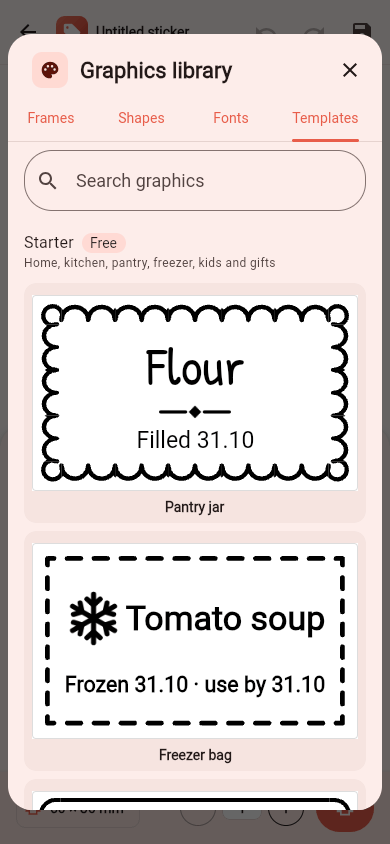
On My stickers, tap Graphics library; in the editor, use Library or "More graphics..." when adding a graphic. The library has tabs Icons, Frames, Shapes, Fonts and Templates.
Categories and search
Each tab is sorted into categories (kitchen, freezer, kids, school, home, gifts, seasons...). Search graphics finds icons, frames, fonts and templates by meaning in your language - "jam", "Christmas", "baby" - not only by their names.
Using what you find
- Icons and Shapes go into the selected box (or a new one).
- Frames go around the selected box, or the whole sticker; "No frame" removes it.
- Fonts apply to the selected text box.
- Templates replace the sticker's layout - Undo brings your sticker back.
Packs
The Starter pack is free and always available. Other packs (for example seasonal ones) are downloaded when you open them and marked Free, Pro or Yours. You can try premium graphics in the editor; printing them needs Pro, which includes every pack.